
ByJohn A
How to Track Employee Time Without the Usual Headaches
Tracking employee time sounds straightforward until payroll mistakes start costing real money or you realize half your team’s day gets swallowed by unclear tasks. A solid system shows exactly where hours go. It also cuts disputes and helps you staff projects without constant guesswork.
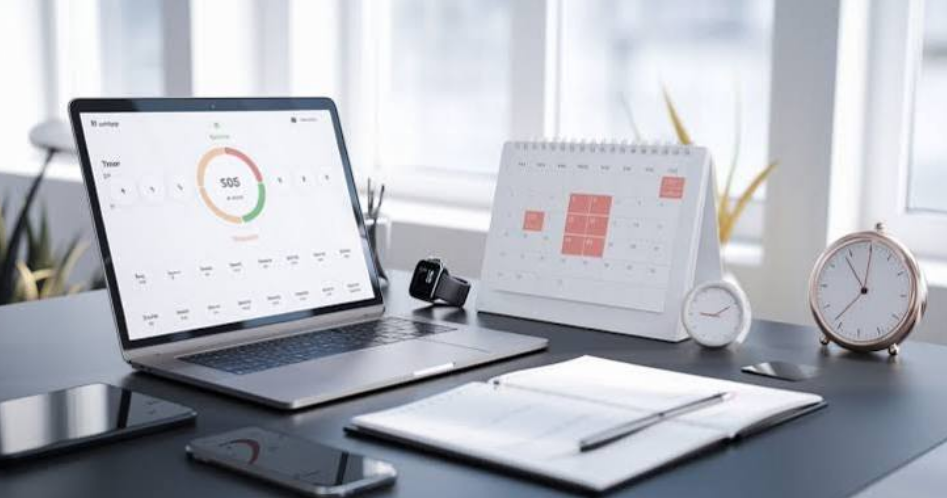
Many teams now use tools built for this. Controlio software handles the tracking automatically while giving clearer pictures of active work versus downtime. You get timesheets ready for payroll and simple reports that actually make sense.
Why It Pays to Know Where the Hours Go
Accurate records protect your bottom line. Overpaying by even 15 minutes a day per person adds up fast across a year. Underpaying creates resentment and turnover you don’t need.
Good tracking also reveals patterns. You spot projects that always run long or tasks nobody should be doing manually anymore. Remote and hybrid setups especially benefit because you stop relying on “I think I worked eight hours.”
Planning improves too. When you see real output data, scheduling next week or next quarter stops feeling like a shot in the dark.
Paper Timesheets Still Work in Some Spots
Some crews stick with printed sheets. Workers write start and end times, someone collects them, and finance types everything into the payroll. It requires zero setup and works in places with spotty internet or older teams who hate new apps.
But the downsides show up quick. Handwriting gets misread. People round up or forget breaks. You still end up doing double entry later, which invites fresh errors. For anything beyond a handful of people in one location, this method usually costs more in fixes than it saves in simplicity.
Spreadsheets Offer Flexibility Until They Don’t
A basic spreadsheet with date, start time, end time, and task columns feels familiar to most people. Add a couple formulas and you can calculate totals, overtime, and even billable amounts automatically.
Small teams often run fine this way for months. The problem appears when two people edit the file at once or when you need version history after someone accidentally deletes a row. Reports stay manual. You can’t see real-time progress without everyone updating their row constantly.
Modern Apps Change the Game for Most Businesses
Dedicated time tracking apps remove the memory work. Employees start a timer or the system logs activity in the background. You get automatic breaks, idle detection, and clean exports that feed straight into payroll or invoicing.
Controlio sits at the stronger end of these options. It logs active versus idle time without forcing people to remember anything. You see which apps and sites actually got used during work hours. Timesheets generate themselves. Remote teams especially like the consistency because location stops mattering for basic attendance records.
It also surfaces productivity trends across people or projects. That helps when you need to rebalance workloads or prove where time actually disappeared on a delayed job. Setup stays light compared with older monitoring tools, and the dashboard stays readable instead of burying you in raw logs.
Other apps exist for lighter needs. Some focus only on simple timers and basic reports. Choose based on whether you want just clock-in data or deeper visibility into how the day actually unfolds.
Situations Where Standard Advice Breaks
Creative roles often punish strict “active time” metrics. A designer can stare at a screen for 20 minutes solving a layout problem that looks like idleness to the tool. Forcing those roles into the same scoring as data entry work usually backfires on morale and output quality.
Field teams without reliable computers need offline options or mobile-first apps. Forcing them onto desktop-only software creates gaps you then have to chase down manually.
High-trust cultures can get damaged by heavy monitoring. If your industry runs on compliance or client billing defense, the extra data protects you. In other places it signals distrust, and people start gaming the system instead of focusing on the work.
See also: Business Trip Etiquette: Professional Behavior While Traveling for Work
Final Words
Start with whatever matches your current size and tech comfort. Paper or spreadsheets still make sense for tiny local crews. Once tracking itself starts eating hours or you need cleaner data for decisions, move to a dedicated tool.
Controlio software gives most growing teams the balance they actually use day after day. Test it against your real workflows for a couple weeks. The right fit shows itself fast through fewer payroll questions and better visibility into where the real work happens.